
- YTZ Affiliate Documentation Hub
-
Traffic Setup Guides
-
Payments
-
General Guides
How to Set Up An International Redirect in Trackier
This will guide you through setting up and monetizing your redirect traffic in Trackier with YTZ’s smartlink.
Step One: Grab your tracking link from YTZ
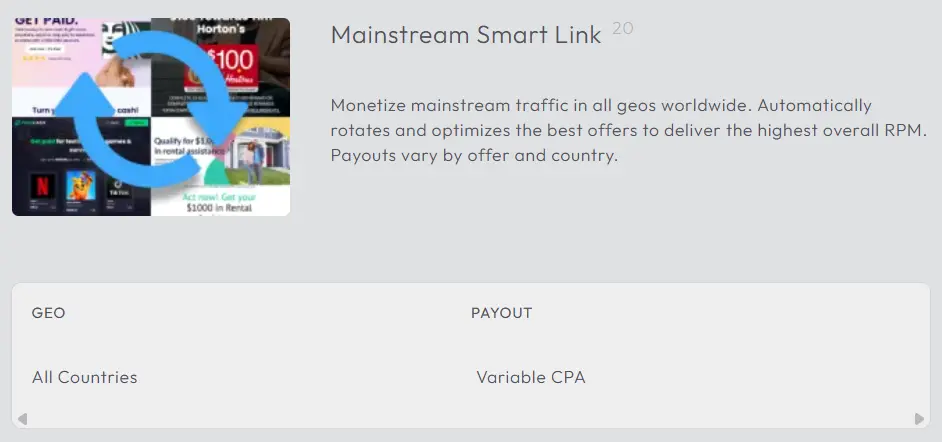
Login to your YTZ account and grab the tracking link for the chosen smartlink to get started! If you need any assistance or have any questions about the campaigns, please reach out to your account manager. In the YTZ dashboard, go to the Campaigns section on the left-hand side. Example: Select campaign #20 – Mainstream Smart Link
 Scroll down to the Tracking Link section and agree to the terms to generate your unique tracking link. Add Trackier's {click_id} token in the S1 field. It is also recommended that you add {source} in the KW field. These will automatically update the URL in the section below. Copy the URL.
Since we will be setting a global postback for your entire account, you can leave the postback section blank at the bottom for all of your campaigns.
Step Two: Create a campaign in Trackier
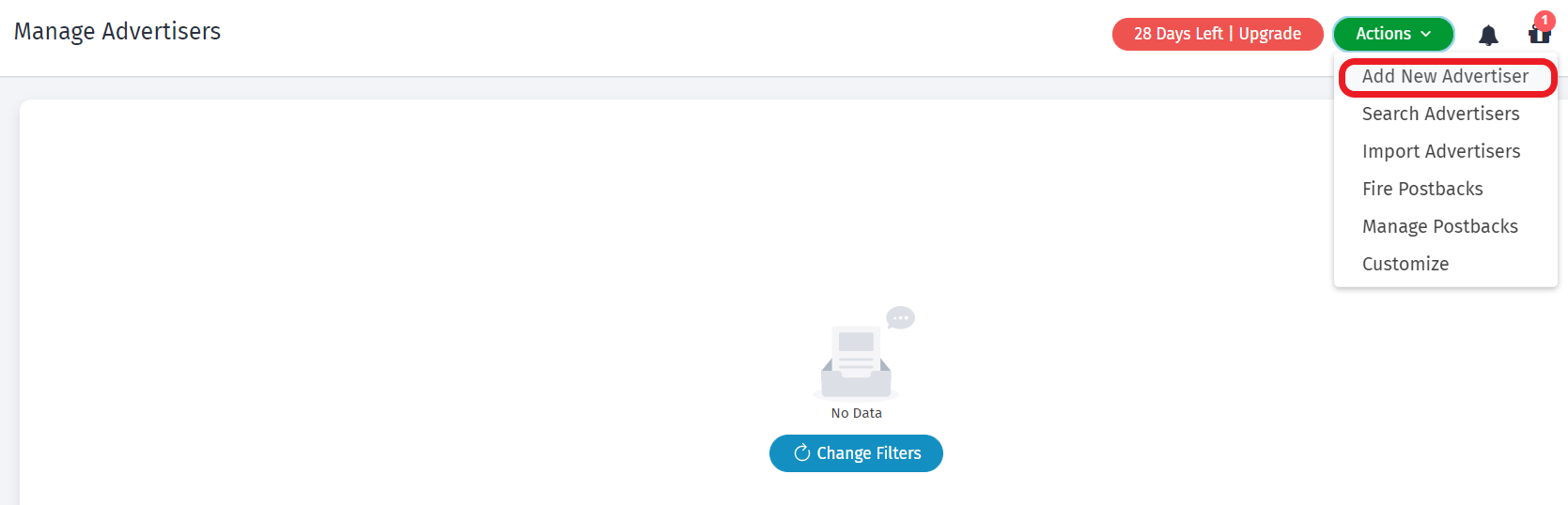
Login to Trackier and go to the Advertisers tab. Under the Actions drop down menu, click Add New Advertiser. Fill out the details and hit Save.
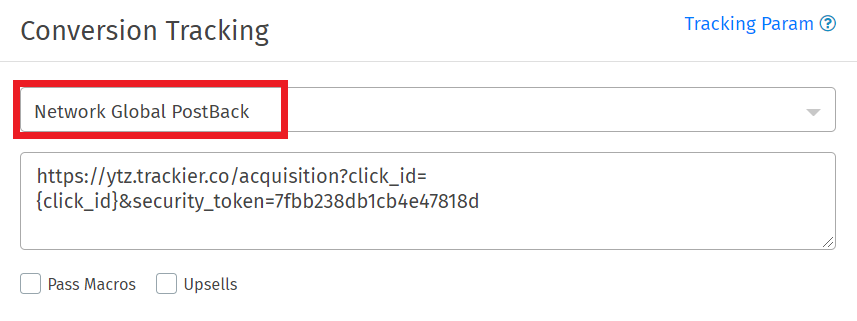
 Go to the Campaign tab and click Create Campaign. Paste your YTZ smartlink url in the Default Campaign URL box. Fill out the rest of the information and hit Create. You will be taken to the details of the campaign you just created. Scroll down to the Conversion Tracking section on the right side. Select Network Global Postback from the drop down menu. Copy the URL (this is your postback link).
Step Three: Add your postback to your YTZ account
Login to YTZ and go to the Postback section of the dashboard.
Click the + button on the far right to Add Account Level Postback.
Make sure the correct protocol is selected (http or https).
Paste your postback URL in the box.
Replace CLICK_ID with {S1}. You call also use our {REVENUE} parameter for payout.
Click Create Postback.
Step Four: Add a YTZ Smart Link as a fallback on your Campaigns in Trackier
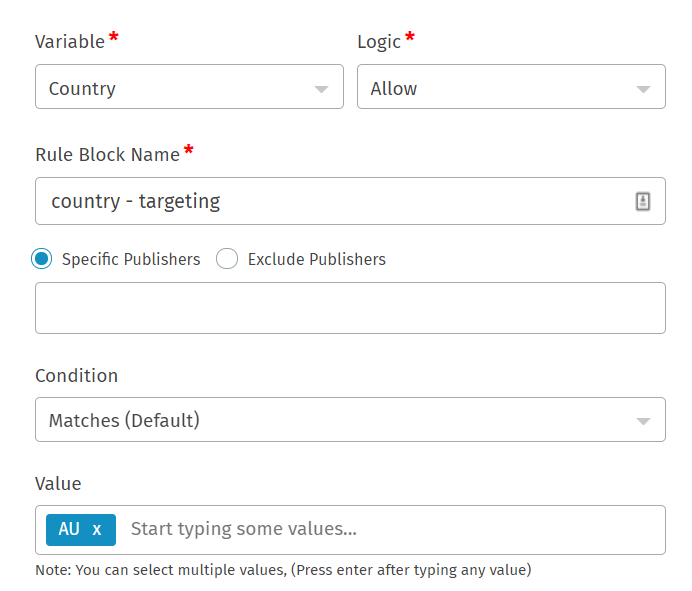
Open one of your campaigns in Trackier and scroll to the Targeting section on the right. Click Edit. Under Campaign Targeting, click +New Targeting Block. Select Country as the variable and select Allow. Add all of the allowed countries for that campaign in the Value box.
 Grab your YTZ smartlink URL and paste it in the section for Fallback URL.
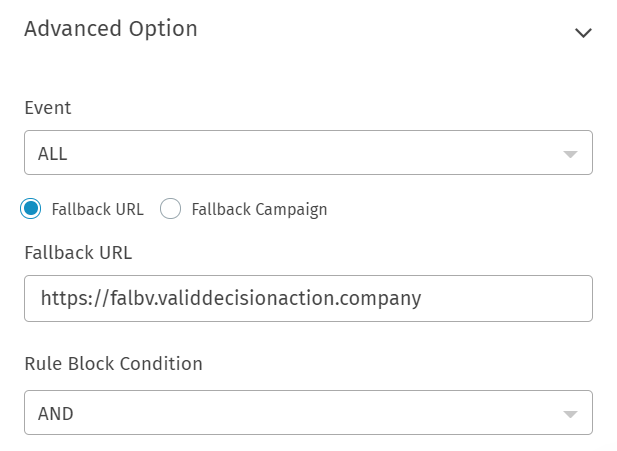 Hit Save. Now all of your traffic that doesn’t match the geo criteria of your campaign will be redirected to the smartlink. Feel free to add more targeting rules for different traffic criteria. You can send all untargeted traffic to the same smartlink.
If you have any questions or suggestions for improvements for this guide please contact us at affiliates@ytz.com or reach out to your AM directly.